Play
The raytraced pool from 2011 that its maker built before Figma
WebGL Water renders a pool with real-time caustics, refraction and soft shadows in a browser. Evan Wallace built it in 2011, then went on to co-found Figma.
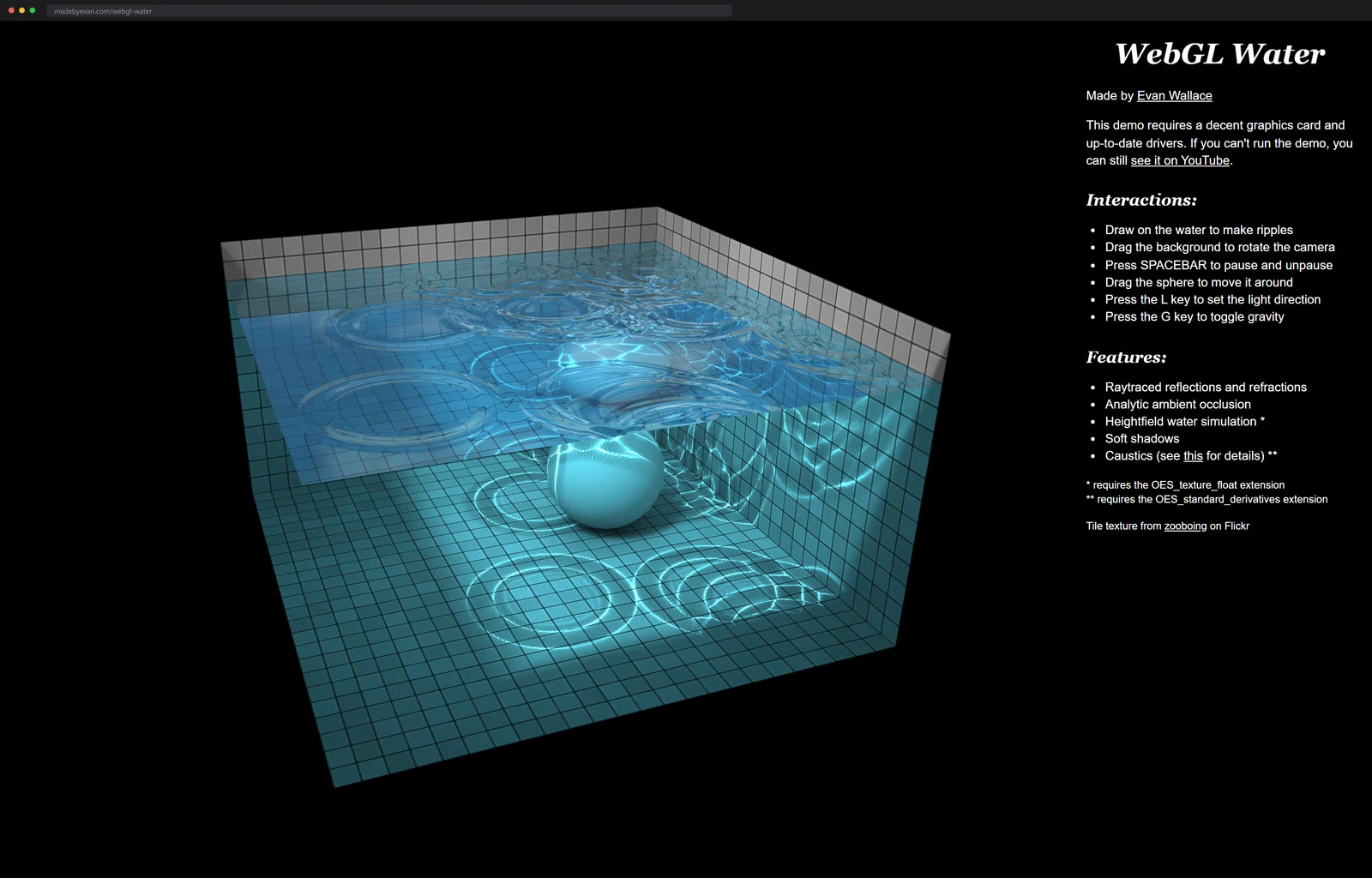
Draw on the water and rings spread out. Drag the background and the whole pool tilts so you can watch the light bend under the surface. A pale sphere bobs in the middle, throwing a wobbling net of caustics across the tiles.
This is WebGL Water, and the date on it is the sighting. Evan Wallace built it in 2011, back when getting 3D to run in a browser at all was a stunt, and it still runs today. Wallace went on to co-found Figma and was its CTO, so you are looking at an early sketch by someone who then rebuilt an entire industry's design tools in the browser.
An afternoon, on the record
How long did a demo this good take? When it resurfaced on Hacker News in 2017 and drew 91 points, Figma's other co-founder Dylan Field showed up in the thread with the provenance: Evan built it in an afternoon in summer 2011, and the two of them started talking about collaborative creative tools in WebGL shortly after.
An afternoon. The repo agrees with the story, too: the GitHub mirror carries 1,300 stars and 268 forks across exactly three commits, which is the shape of a thing finished in one sitting that never needed a fourth pass.
That pace was apparently normal for him. The same madebyevan.com shelf holds a WebGL photo editor with ten filters that he built in 24 hours for a hackathon and placed second with, and lightgl.js itself, his personal WebGL library, has collected 1,600 stars while staying small enough to read in an evening.
A pool in two 256 by 256 textures
Here is what your GPU is doing while the sphere bobs. The water is a heightfield: one 256 by 256 floating-point texture holds the surface, a second identical texture receives the next frame, and a small shader ping-pongs between the two, stepping a wave equation on every pass. Poking the water is just painting a bump into that texture and letting the equation carry it away as ripples.
Wallace's own index describes the demo as an experiment in water rendering rather than realistic simulation, and that is the right confession. The heightfield is a toy ocean two textures deep. The light is doing all of it for real.
The rendering is per-pixel raytracing. Each ray from the camera refracts and reflects through the water surface, blended by the Fresnel effect, and lands on the tiled walls. Fresnel is the rule that makes water a mirror at grazing angles and glass straight down, and because the shader blends by that rule, tilting the pool changes its whole character the way a real pool does. Add soft shadows and analytic ambient occlusion and the illusion closes. There is no engine under any of this, either: the demo runs on lightgl.js, Wallace's own lightweight WebGL library, and asks the browser for exactly two extensions, floating-point textures and shader derivatives.
And lightgl is not a miniature three.js. Across its 84 commits it deliberately skips the scene graph and instead reimplements OpenGL's old matrix stack and immediate mode, the raw-metal idioms graphics programmers grew up on, which is why the water demo reads like annotated OpenGL rather than framework code.
The caustics are the flex, and years later Wallace wrote up precisely how they work. He builds a mesh of light, one vertex per ray leaving the sun, and raytraces it in the vertex shader: refract at the surface, land on the pool floor. Where neighboring rays squeeze together, the floor brightens, and the measure of that squeezing is the ratio of a triangle's area before and after the bend. GLSL hands over that ratio almost for free through its screen-space derivative functions, which exist because fragment shaders always run in two-by-two packs. The result is drawn into a texture once per frame, then draped across the scene.
In August 2011 this was bleeding the browser dry. The demo's notes at the time asked for floating-point textures, screen-space derivatives and vertex texture fetches, and Chrome was the only browser shipping all three; Google later filed it in its Chrome Experiments gallery as a landmark of what the API could do. Today every phone passes the requirements without noticing; on my laptop's integrated GPU the pool holds a locked 60 frames per second with the tab's fans silent.
The reason it holds up fifteen years later is that none of it is faked with prebaked textures. The reflections are computed, the caustics are computed, the shadows are computed, which is why you can move the light with the L key and watch every one of them move correctly.
The sketch that grew a design tool
Keep the date in frame while you drag the water around. Four years after this demo, Wallace wrote Figma's launch engineering post, and the argument in it is this pool scaled up: HTML and SVG could not guarantee GPU acceleration, text layout shifted between browsers, so Figma built its own tile-based rendering engine on WebGL, with the editor written in C++ and cross-compiled through Emscripten to run within a factor of two of native speed.
The through-line is not subtle. Someone who had personally raytraced a swimming pool in a browser tab knew exactly how much rendering a browser could be trusted with, and bet a company on the answer.
More water and light from the same spring
Wallace's own shelf holds the sibling I keep going back to: WebGL Path Tracing, from 2010, compiles your whole scene into a single GLSL shader and bounces every ray up to five times, with soft shadows made by jittering the light position per pixel. The image starts grainy and sharpens live while you drag spheres around, which is the raytracing lecture nobody has managed to give in words.
For the open-ocean version of this sighting, David Li's waves simulates a whole patch of sea with wind and choppiness sliders, the wind dialed in meters per second. The source is on GitHub with 1,100 stars, and the control panel floating over the water is, of all things, rendered in CSS 3D.
The whole demo is four short files of code plus the library, which makes it one of the best graphics repos to read end to end. And if it leaves you wanting to write a first shader of your own, WebGL Fundamentals starts from an empty canvas and builds up to lighting and textures with no magic skipped.
More GPU math you can smear around with a cursor: a fluid simulation solving Navier-Stokes in a fragment shader.
Next up
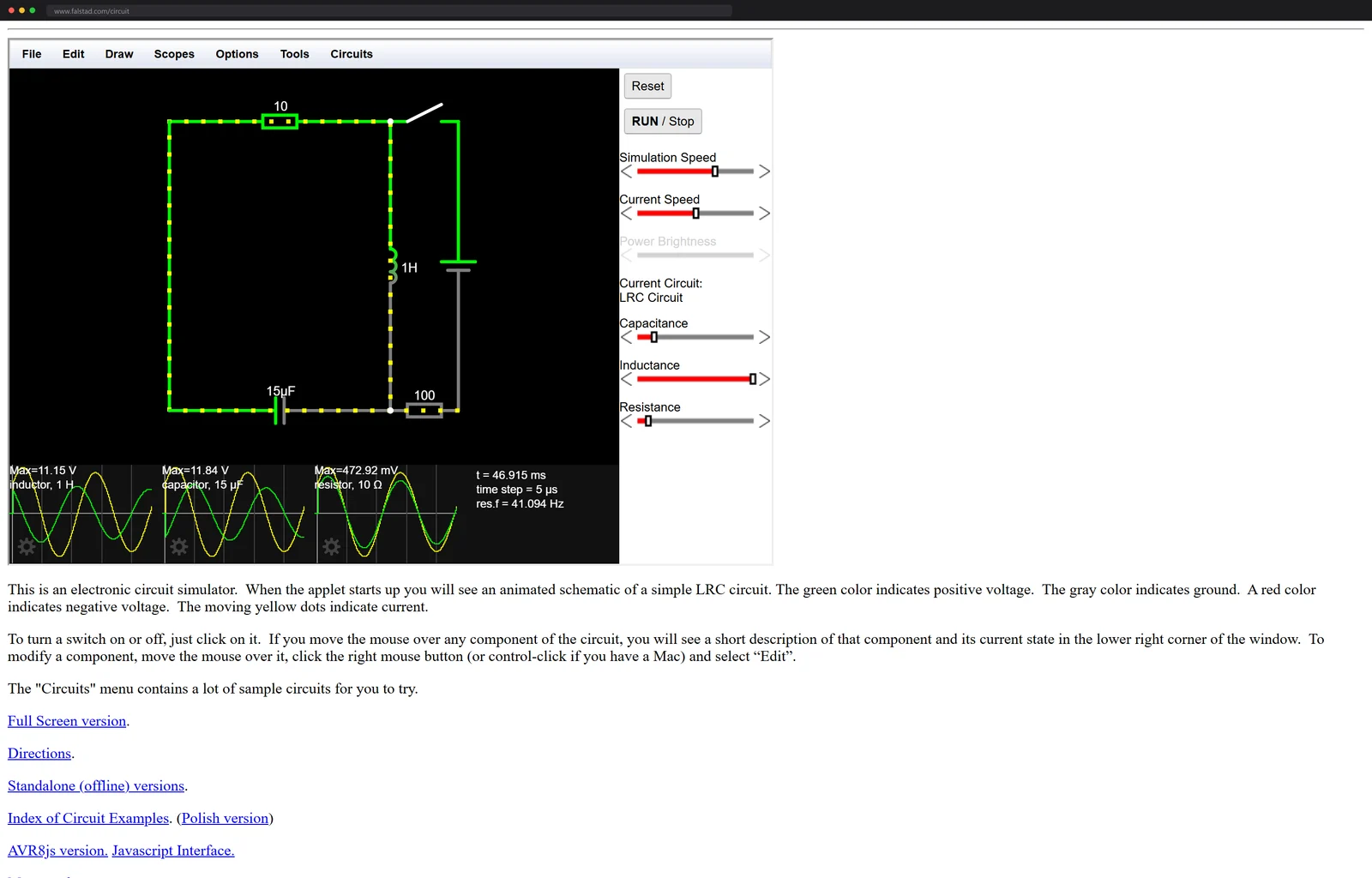
Watch current move through a circuit that re-solves itself constantly